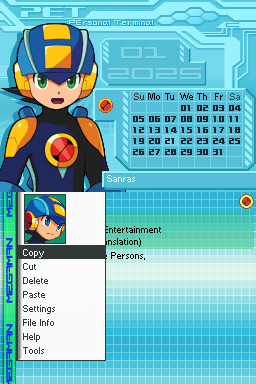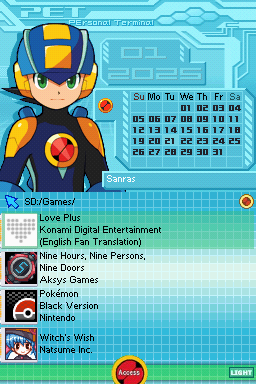
PET Megaman.exe
UnknownDownloads
Download PET Megaman.exe.7zTheme Installation Instructions
-
Download
PET Megaman.exe.7z. -
Open/Extract the
.7zarchive. You can use 7-Zip to do this. -
Inside the 7z archive, you will find a folder called
PET Megaman.exe. Copy this folder to/__rpg/ui(or/__aio/uifor AKAIO) on your flashcart’s SD card. -
Place the SD card back into your cart, and boot into the cart.
-
Press the
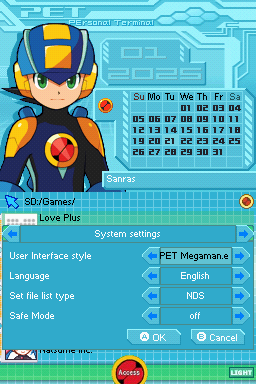
STARTkey to open the AKMenu/WoodR4 start menu popup, then selectSettings. -
Set the theme to
PET Megaman.exe, then pressAto save, andAagain to restart.