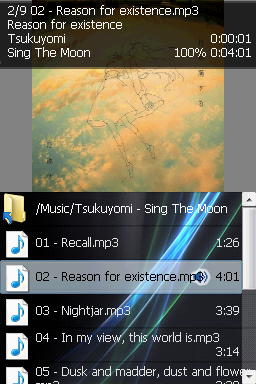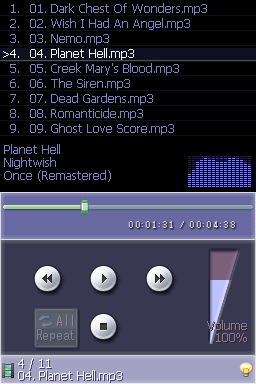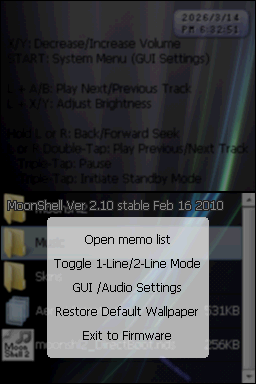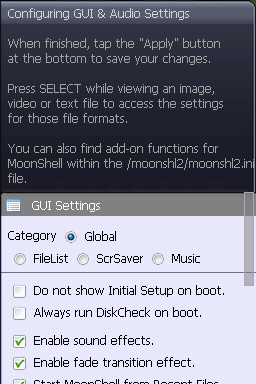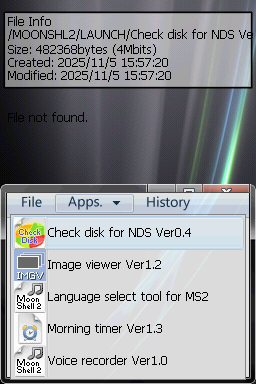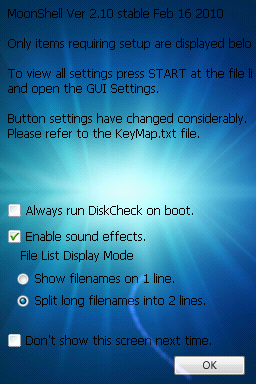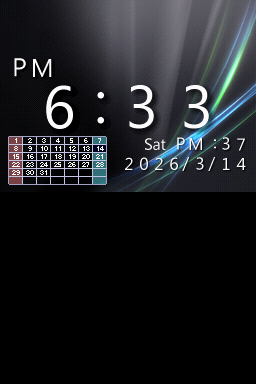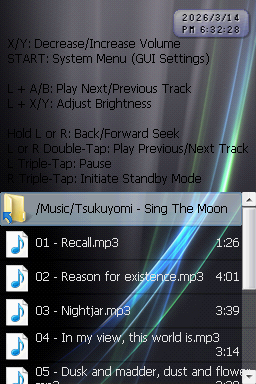
Aero Ultimate
twizidsinzDownloads
Download Aero Ultimate.7zTheme Installation Instructions
-
Download
Aero Ultimate.7z. -
Open/Extract the
.7zarchive. You can use 7-Zip to do this. -
Create a
Skinsfolder in the root of your flashcart’s SD card. -
Inside the 7z archive, you will find a folder called
Aero Ultimate. -
From this folder, copy
Aero Ultimate.sknto theSkinsfolder on your SD. -
Place the SD card back into your cart, and launch Moonshell 2.
-
In Moonshell 2, navigate to the
Skinsfolder and pressAonAero Ultimate.sknto apply the theme.